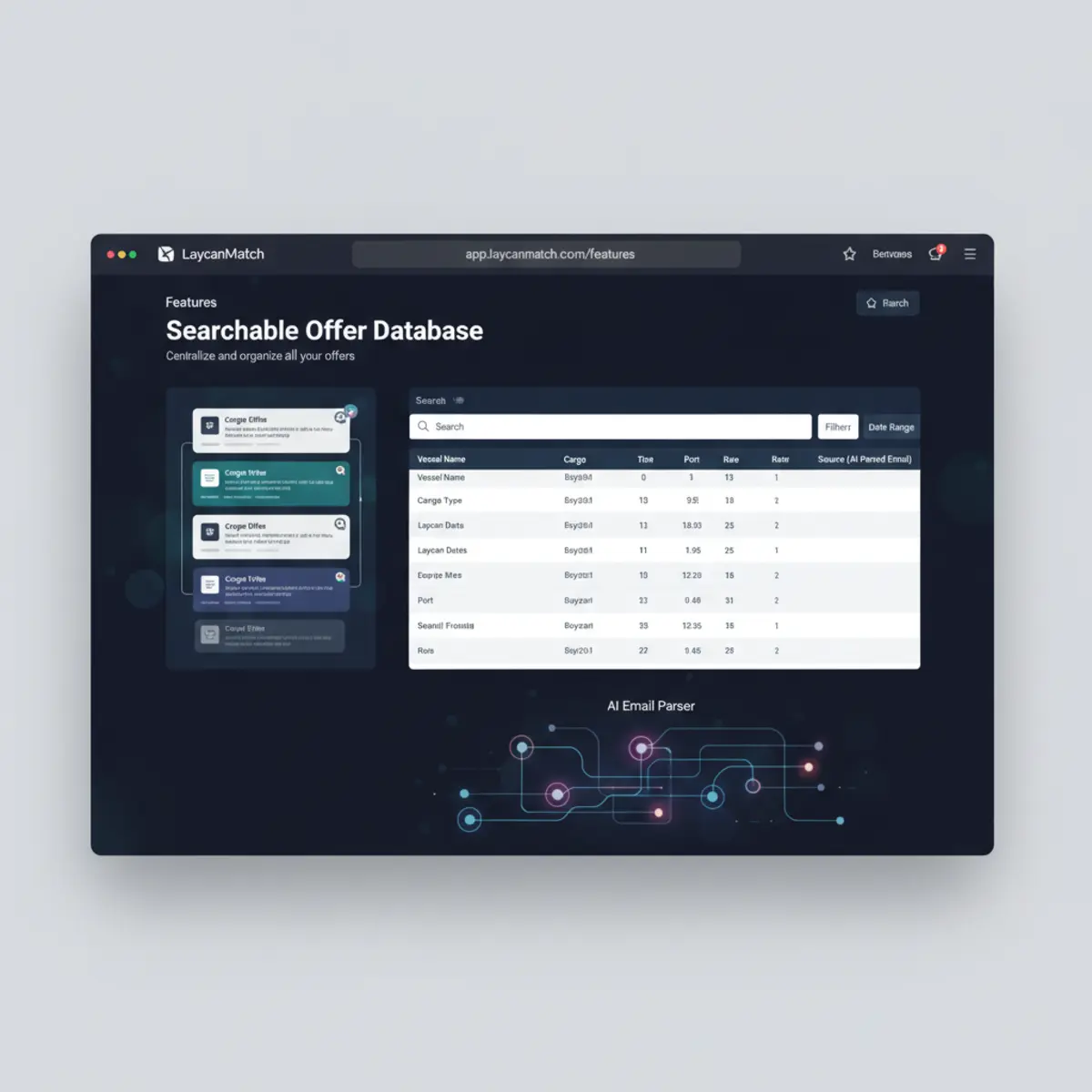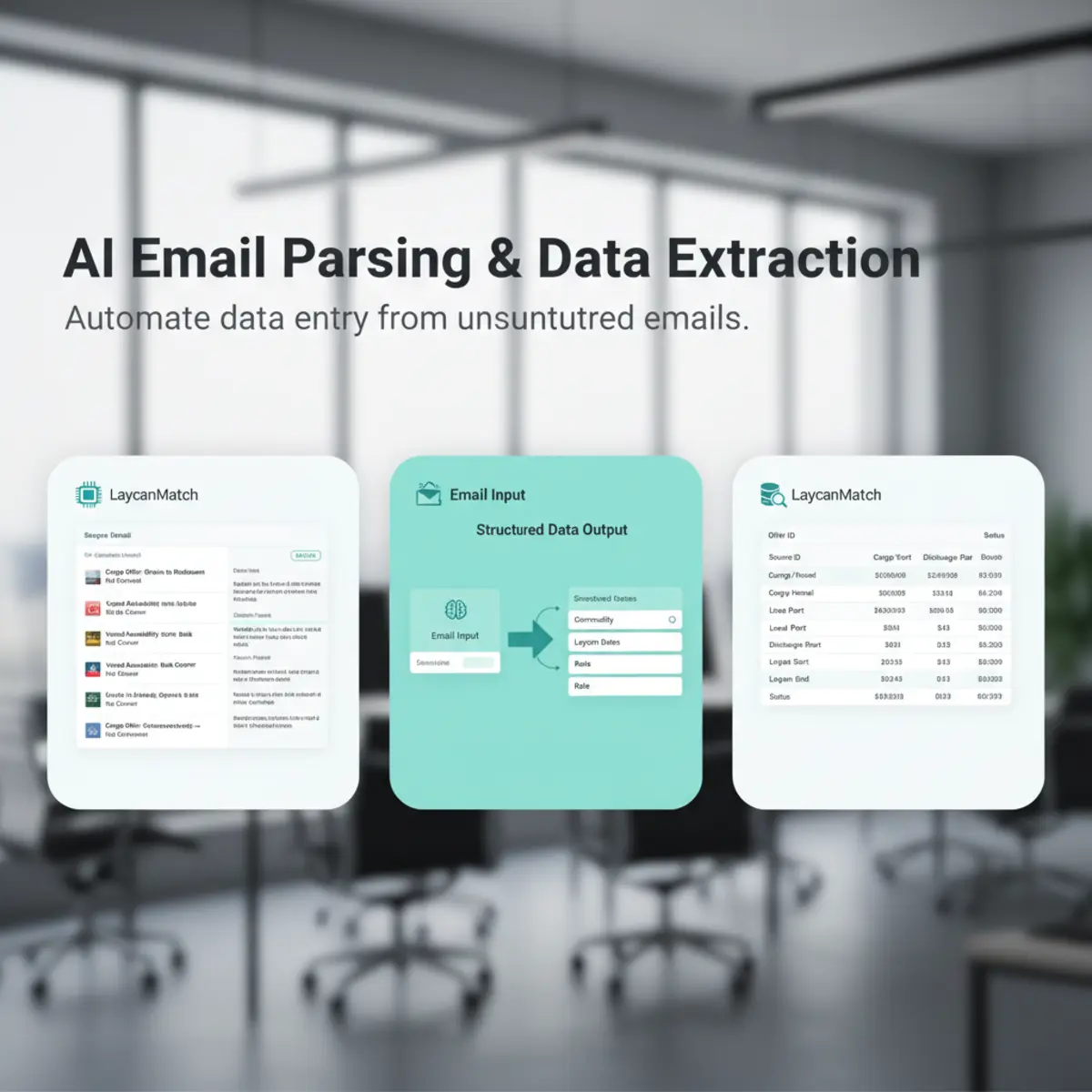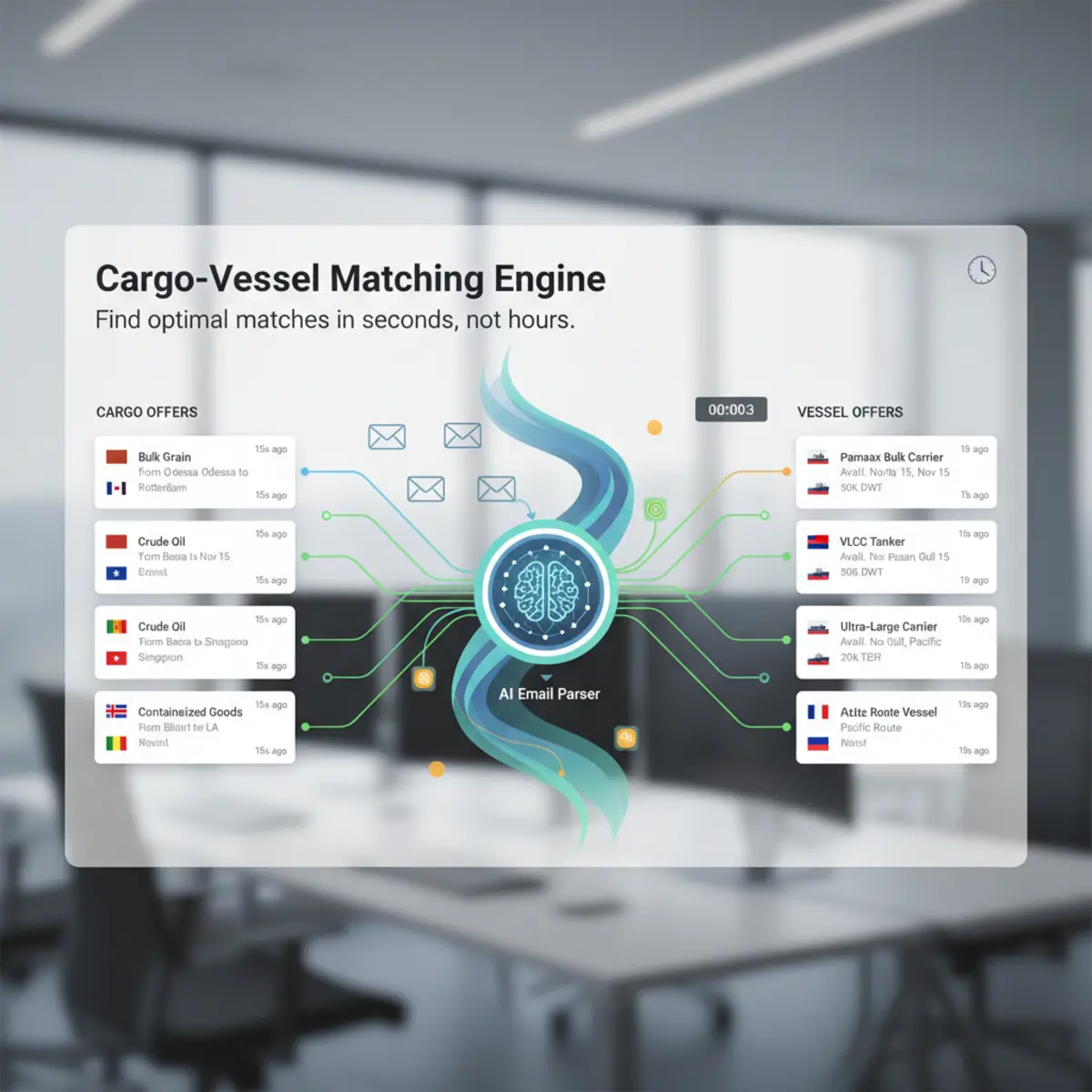
How a laycan match is evaluated
A laycan match begins with the cargo loading window and the vessel's open date and position. An exact overlap is useful evidence, while a vessel opening before laycan may still require the broker to assess ballast time and commercial feasibility. LaycanMatch combines the available timing evidence with load and discharge direction, ports or zones, cargo quantity, vessel DWT, extraction confidence and offer recency. The result is a ranked candidate for review, not a statement that the vessel can perform the voyage.
Missing dates, approximate wording and stale circulars remain visible so the broker can inspect the source email before contacting a counterparty.
Match cargo to available vessels
Start from a cargo requirement with commodity, quantity, load and discharge locations and laycan. LaycanMatch searches vessel offers, ranks candidates and keeps route, timing, DWT, confidence, freshness and source context available for inspection.
Find cargo for an open vessel
The reverse workflow begins with a vessel position. Enter or select open position, direction, dates, DWT and acceptable cargo context, then find cargo offers that may fit. There are only two position workflows: a cargo looks for vessels, and a vessel looks for cargo.
Understand why a match ranks
| Criterion | Reviewable evidence | Interpretation boundary |
|---|---|---|
| Laycan | Exact dates and overlap or gap | Timing is a shortlist signal, not a fixture commitment |
| Route | Load and discharge ports or zones | Regional compatibility can surface nearby opportunities |
| DWT and quantity | Both values and units | Capacity context still requires professional review |
| Confidence | Extraction confidence and review flags | Confidence measures data extraction, not deal quality |
| Recency | Received and processed timestamps | Freshness helps prioritize but does not prove availability |
Review conflicts and stale data
Missing ports, ambiguous dates, expired laycans, incomplete tonnage and duplicate updates can weaken a result. Minimum-score and freshness controls help prioritize, while the source email allows the broker to resolve uncertainty. The score should never be presented as an objective guarantee that a vessel can perform a cargo.
Keep saved matches and identify what is new
Saved cargo requirements and vessel positions retain their previously found matches. When additional offers arrive, new unseen matches can be separated from the existing result history. Telegram notifications can be enabled per saved position after the user connects a Telegram chat.
Act on the opportunity
- 01
Review
Compare the candidate with route, dates, size, confidence and source email. Shortlist :: Keep the useful match with the saved position and distinguish new results. Contact :: Use the connected mailbox workflow to send a broker message when appropriate. Continue :: Move the opportunity into the team’s estimation, negotiation and fixture process outside the match score.
Read a match score as a shortlist signal
A score is not a fixture recommendation. It summarizes available signals such as loading and discharge direction, zone compatibility, laycan overlap, cargo quantity against vessel DWT, cargo preferences, extraction confidence and offer freshness. Missing or ambiguous fields reduce what the system can compare. Brokers should open the candidate, inspect the source and reject combinations that fail commercial, technical or contractual checks not represented in the email.
The value is a ranked queue for review, not an automatic decision.
Test both matching directions
Create a vessel position when you have tonnage and need cargo; the result should contain cargo offers. Create a cargo requirement when you have cargo and need tonnage; the result should contain vessel offers. Use concrete ports and dates for saved positions, then let zone logic widen route compatibility where appropriate. Validate the workflow with known positive and negative examples, including nearby ports, non-overlapping laycans, undersized vessels and stale offers.
Regional compatibility without pretending ports are identical
Exact port equality is too narrow for many chartering searches. Zone and direction logic can surface a vessel or cargo in a commercially related area, while the score and result details show that the ports differ. This is useful for cases such as a vessel open in the Continent and cargo loading nearby, but it must not imply a calculated deviation, ballast distance or voyage result. Users should inspect the actual ports and route context before acting.
Saved history and new candidates
After a saved position has been matched, previously returned candidates should remain available instead of forcing a complete wait on every visit. Newly arrived, unviewed candidates can appear separately at the top and link directly from a Telegram alert. A viewed state is a user-interface aid, not a statement that the offer remains commercially open; dates and source freshness still need review.
Example match explanation for a cargo requirement
A user creates a 42,000 mt wheat requirement from Constanta to Alexandria for 20-25 July. A 47,000 DWT vessel open Varna on 18 July may rank because the open area is regionally compatible with the load port, the date precedes laycan and capacity is not obviously below the cargo quantity. The result should show those contributing signals and the exact source records.
It should also show what it has not evaluated, such as draft restrictions, holds, gear, speed, consumption, ballast economics, owner approval or charter-party terms.
Example match explanation for an open vessel
A user saves a 58,000 DWT vessel open Amsterdam and looking Mediterranean. The system can surface cargo loading Antwerp or another compatible Continent port even though the port names are not identical. Zone and direction support discovery, while the visible route explains the difference. The broker still evaluates ballast distance, timing and commercial sense. A result loading far outside the compatible region or after the vessel’s useful window should rank lower or be excluded by the selected threshold.
How missing fields affect ranking
A candidate with no laycan cannot receive the same timing evidence as one with exact dates. A regional location can support a broader route comparison but not exact port proximity. Missing DWT or cargo quantity limits the size check, and low extraction confidence reduces trust in the compared field. The system should lower or qualify the result based on available evidence rather than inventing a neutral value.
Opening the source lets the broker determine whether the field is truly absent or simply requires correction.
Practical matching review sequence
- 01
Confirm the position
Use exact ports and dates for the cargo requirement or vessel position whenever known. Set scope :: Choose the minimum score, freshness and any cargo-type or size constraints. Read reasons :: Inspect route, laycan, size, confidence and recency separately rather than relying on the percentage alone. Open evidence :: Verify the source email and any review flags. Reject weak candidates :: Remove commercially impossible combinations from the working shortlist. Act :: Contact the relevant broker, export selected results or continue to voyage estimation outside LaycanMatch.