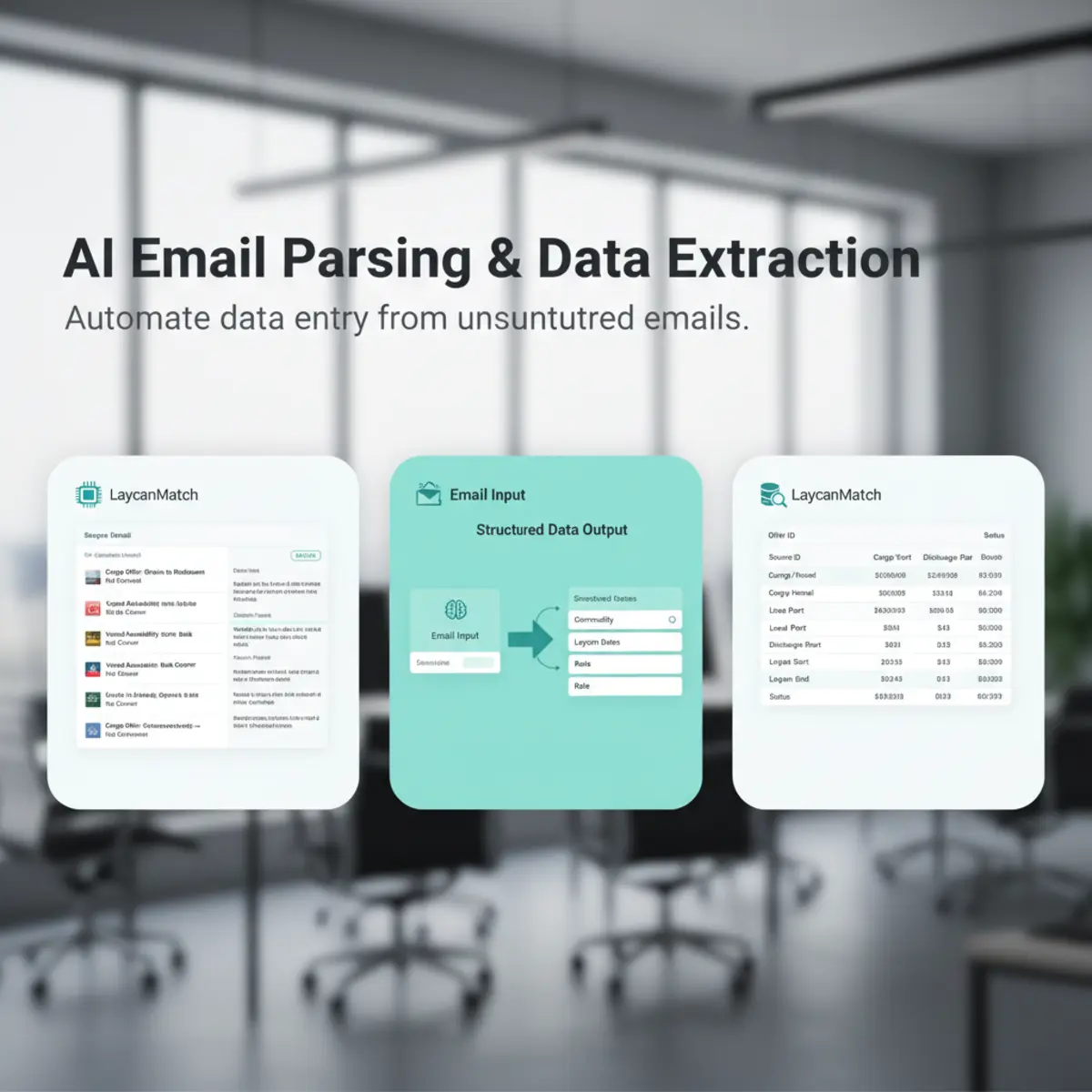


Email parsing
Parse broker emails and circulars into reviewable cargo orders and vessel positions. Keep confidence, status and source context visible instead of treating AI output as unquestioned final data.
Cargo orders and vessel positions
Use one offer database for cargo requirements and open tonnage. Filter current records, inspect the original email, correct extracted values and export selected opportunities.
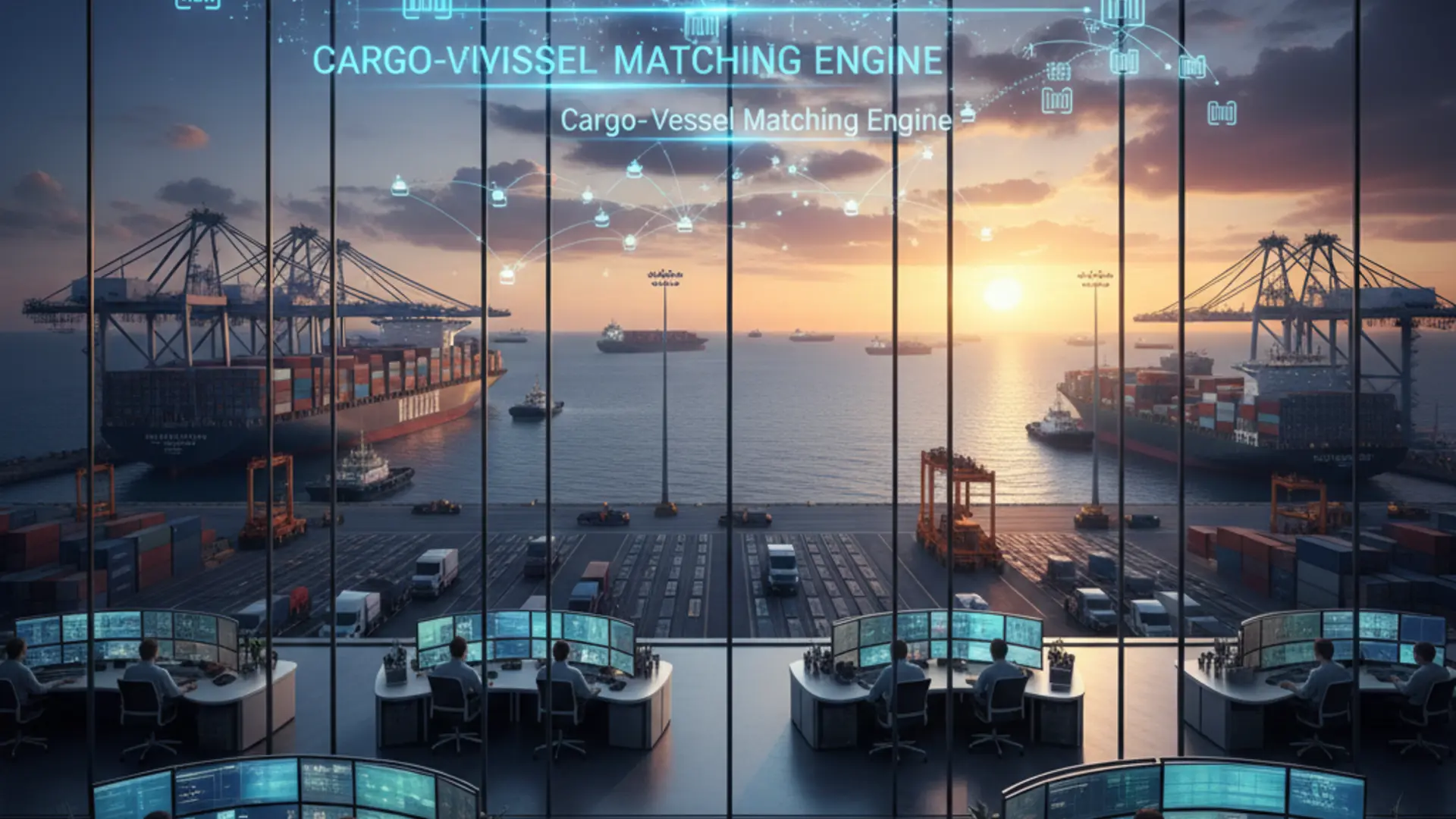
Cargo-vessel matching
Run matching in both operational directions. A saved vessel position looks for cargo offers; a saved cargo requirement looks for vessel offers. Scores organize review rather than replace broker judgment.
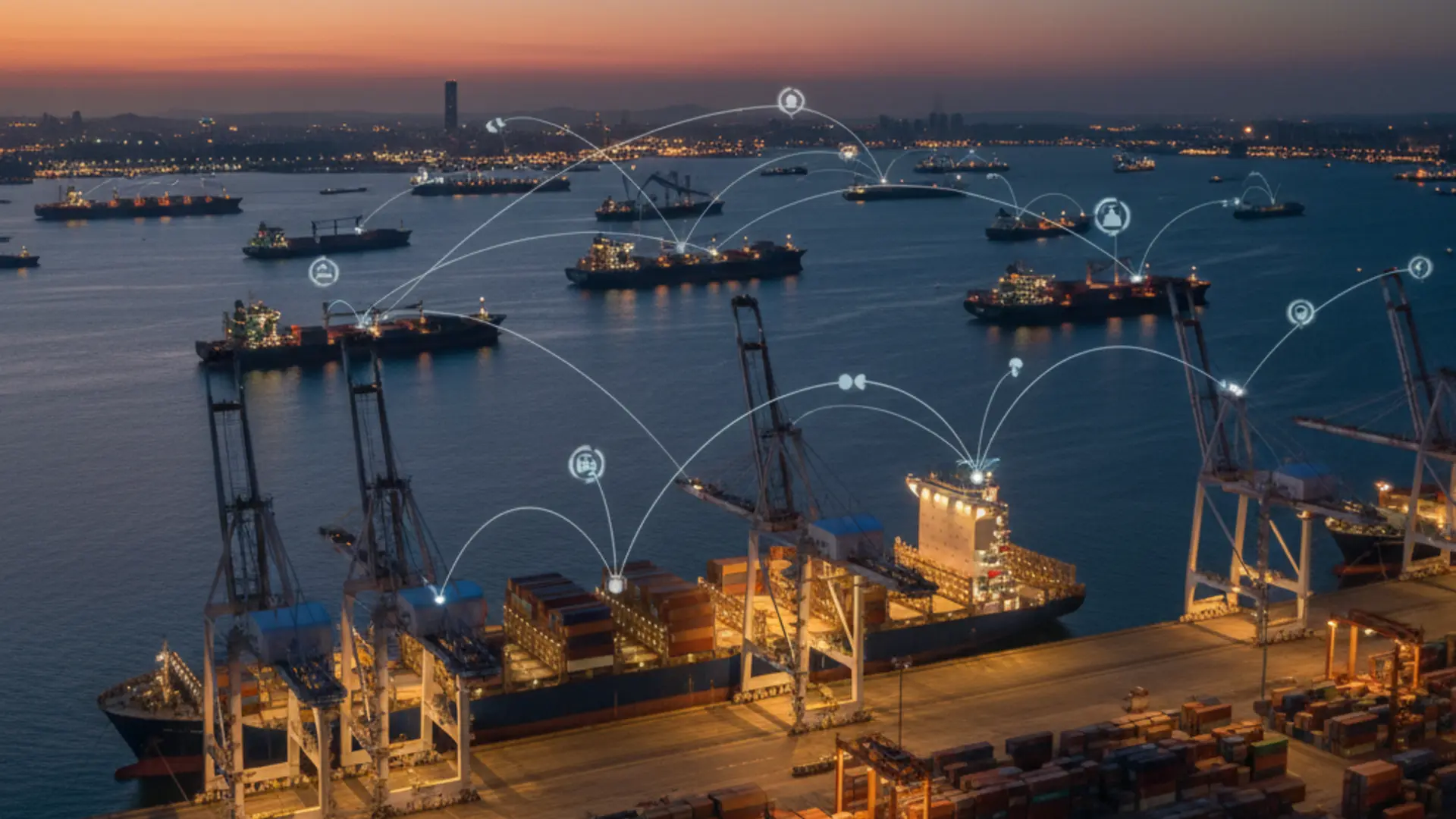
Map and route visualization
View ports, cargo directions and vessel positions on a maritime map to add regional context to the structured offers. The map visualizes ports, offer routes and approximate regional context derived from processed emails; it is not live AIS tracking or a voyage-routing system.
Capability matrix
| Capability | Input | Output | Detail page |
|---|---|---|---|
| Shipbroker email parsing | Broker emails and circulars | Structured cargo and vessel fields | AI Email Parsing |
| Cargo order management | Parsed or manually corrected cargo records | Searchable cargo list | Offer Database |
| Vessel position list | Open vessel positions | Filtered open tonnage view | Offer Database |
| Cargo-vessel matching | Cargo and vessel records | Ranked opportunities | Matching |
| Route visualization | Ports and routes | Map and route context | Map Visualization |
Who it is for
- 01
Shipbrokers
Shortlist opportunities while retaining the broker message behind each record. Chartering teams :: Organize incoming cargo and vessel traffic before detailed commercial evaluation. Vessel and cargo operators :: Search structured offers and saved positions from their authorized workspace.
Follow one broker circular through the product
Example input: 42,000 mt wheat, Constanta to Alexandria, 20-25 July, plus MV NORTH STAR 47,000 DWT open Varna 18 July. Parsing should create separate cargo and vessel records, retain the exact source phrases and leave any absent freight rate, owner or loading terms empty. In the offer database, a broker can filter the cargo by commodity, ports, laycan and recency, then open the original message to verify every material value.
Matching can compare the reviewed cargo with available vessel positions and explain route, date, size, confidence and freshness signals. The result is a shortlist for broker review, not a fixture decision.
Handle incomplete and conflicting market data visibly
Broker emails are often short, forwarded, abbreviated or internally inconsistent. A missing discharge port must remain missing; an approximate laycan should keep its source wording; a repeated circular should not silently create another identical opportunity. Confidence and review status make uncertainty visible, while source-email access lets the user resolve it.
If a corrected message arrives later, timestamps and duplicate context help the broker decide which record is current instead of assuming the newest row is authoritative.
Practical rollout controls
- 01
Scope
Start with one authorized mailbox, selected folders and a defined date range. Validate :: Compare representative cargo, vessel, mixed and irrelevant emails with their extracted records. Review :: Check missing values, port and zone mapping, date normalization, duplicates and source excerpts. Operate :: Save the positions that matter, run both matching directions and enable Telegram alerts only for selected positions. Expand :: Add history or additional mailboxes after the team agrees review ownership, retention and export rules.
Know where the workflow stops
LaycanMatch structures broker email, organizes offers and ranks possible cargo-vessel combinations. It does not confirm vessel suitability, calculate voyage economics, negotiate terms, manage subjects, create a recap or operate a fixture. The practical next step is to verify the source, contact the counterparty and hand the selected opportunity to the team’s estimation and fixture process.