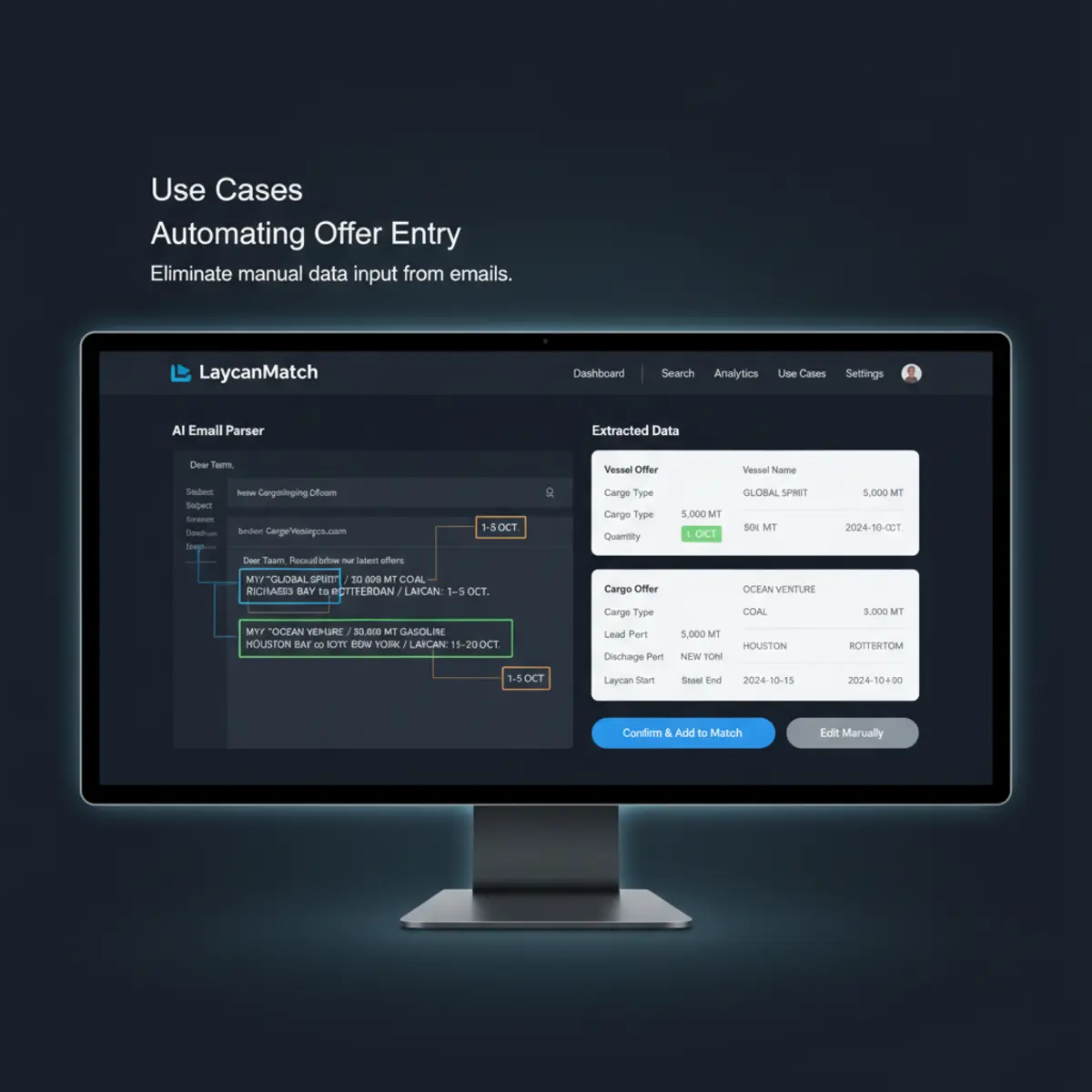
Use cases

Daily shipbroking workflows LaycanMatch can speed up.

Use your own mailbox data to find cargo, find vessels, monitor saved positions and contact brokers faster.

Broker workflows

Five places where inbox automation turns into commercial speed.

Each workflow starts with real broker emails and ends with a decision: who to call, which offer to open, or which position needs attention.

01

Find cargo for an open vessel

Problem: an open vessel is available, but relevant cargoes are buried across hundreds of broker emails.

LaycanMatch: ranks cargo offers by route, zone, laycan, quantity, cargo type, confidence and recency.

Result: brokers spend less time searching and more time calling useful cargo leads.

02

Find vessels for a cargo

Problem: a cargo is ready, but vessel ideas are scattered across old and new messages.

LaycanMatch: compares cargo route, size and laycan against vessel offers and open tonnage.

Result: the desk sees suitable vessels without rebuilding the search from scratch.

03

Process historical mailbox data

Problem: useful broker history exists, but it is locked in email threads and spreadsheets.

LaycanMatch: imports selected folders and periods, deduplicates messages and extracts structured records.

Result: the team starts with a searchable offer database instead of an empty CRM.

04

Monitor saved positions

Problem: a broker creates a cargo or vessel position and then has to keep checking the inbox manually.

LaycanMatch: keeps saved positions matched against new processed offers and highlights new results separately.

Result: good opportunities surface without constant manual refresh.

05

Prepare broker outreach

Problem: selected offers need quick follow-up, but details and source emails must stay verifiable.

LaycanMatch: lets users select matches, export them and open source emails before contacting brokers.

Result: outreach is faster while the broker stays in control of what is sent.

Short answer

Use cases exist because shipbrokers usually ask only two operational questions.

LaycanMatch is used when a broker needs cargo for an open vessel or needs vessels for a cargo, and the relevant offers are scattered across broker emails instead of a structured database.

Manual vs structured workflow

What changes when the inbox becomes searchable.

These workflows stay grounded in day-to-day broker work, not generic automation theory.

Workflow stepManual inboxLaycanMatch
Read broker emailsBroker scans manuallyEmails are parsed after controlled import
Find cargo offersSearch and memoryStructured cargo database
Find vessel offersForwarding and checking old threadsSearchable vessel database with filters
Compare laycanManual calendar checkDate overlap is surfaced
Check sourceSearch original threadSource email link preserved

Limits

What these use cases do not claim.

The workflow becomes faster, but the broker remains the decision-maker.

What LaycanMatch does not do

The system does not guarantee fixtures, choose counterparties or send broker replies automatically.

Who this is not for

It is less relevant for desks that already receive structured offers outside email or do not work from broker circular volume.

FAQ

Use case questions

Can I use saved positions for both cargo and vessel workflows?

Yes. The product supports vessel positions looking for cargo and cargo requirements looking for vessels.

Can I test this on selected folders only?

Yes. Controlled import scope is part of the workflow.

Do use cases keep the original broker email visible?

Yes. Source email visibility is part of the review process before outreach.

Proof point

What a real inbox-to-shortlist improvement looks like.

One anonymized two-broker dry bulk desk used a controlled 30-day mailbox import to test whether these workflows were commercially useful.

Before

Cargo and vessel ideas were scattered across inboxes and forwarded threads. Review time depended on memory and repeated rescanning.

After

1,046 emails processed · 184 cargo offers extracted · 96 vessel offers extracted · 37 ranked possible matches found, all linked back to source email review.

This is workflow evidence, not a fixture guarantee. Read all case studies.

Related reading

Use cases are stronger when the desk can verify the mechanics.

These supporting pages explain the extraction model, the matching method and the proof points behind the workflow examples.

AI email parser

Explains how raw broker messages become structured cargo and vessel records.

Methodology

Documents confidence, review and saved match behavior.

Product updates

See how the product surface evolves as the workflow matures.

Trial

Test these workflows with 1,000 free processed emails.

Connect a mailbox, import a controlled date range, create a position, and check whether the results fit your desk.