Build a vessel position list from broker emails
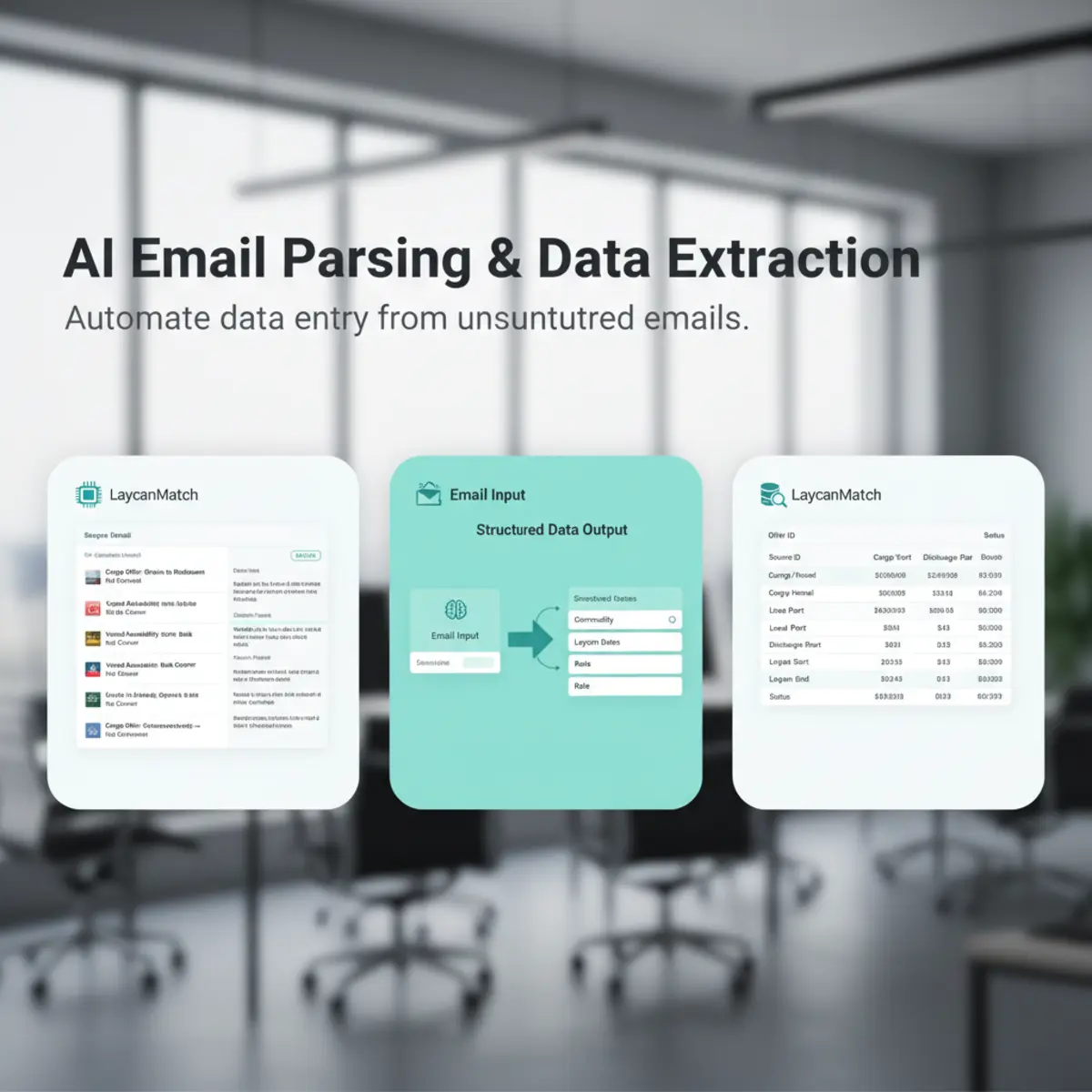
Relevant vessel circulars can create structured positions with vessel name, vessel type, DWT, open position, open date, direction and broker context when supplied. Received and processed timestamps help users judge freshness. A position remains an extracted market record, not an authoritative vessel-particulars database.
Manage cargo orders in the same workflow
Cargo records can hold commodity, quantity, tolerance, load and discharge ports or zones, laycan, terms, freight context, broker data and source text when present. Users review the record instead of searching the email thread again, and one source message can support several separate offers.

Filter open tonnage and cargo opportunities
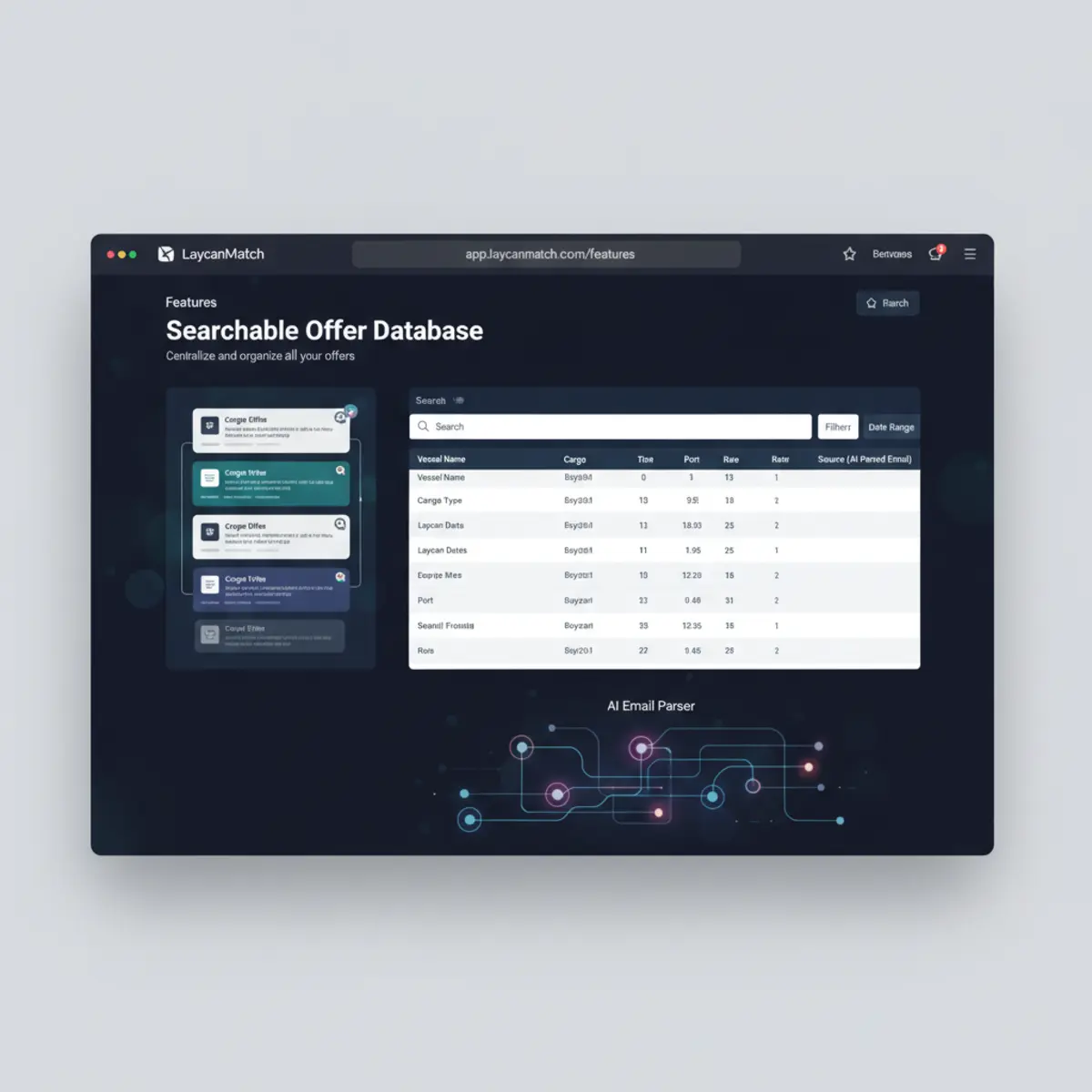
The production interface supports filtering and sorting by offer type, cargo type, quantity or DWT, ports and zones, laycan, broker or company, mailbox, received and processed dates, confidence, review state and keywords. Search controls can hide expired laycans and focus on recent email traffic.
Keep source and updates traceable
Opening an offer reveals the source-email subject, sender, folder, received time, offer fragment and retained body when available. Editing creates change history. Duplicate detection distinguishes repeated messages and similar offers, while retry actions expose failures instead of replacing old data without a record.
Example working views
| View | Useful fields | Typical filters |
|---|---|---|
| Cargo orders | Commodity, quantity, load, discharge, laycan, broker, received | Ports or zones, laycan, quantity, cargo type, recency |
| Vessel positions | Vessel, type, DWT, open position or direction, open date, received | Position or zone, date, DWT, recency |
| Match results | Counterpart, score, route, timing, size, source | Minimum score, confidence, recency, keywords |
Move from list to match
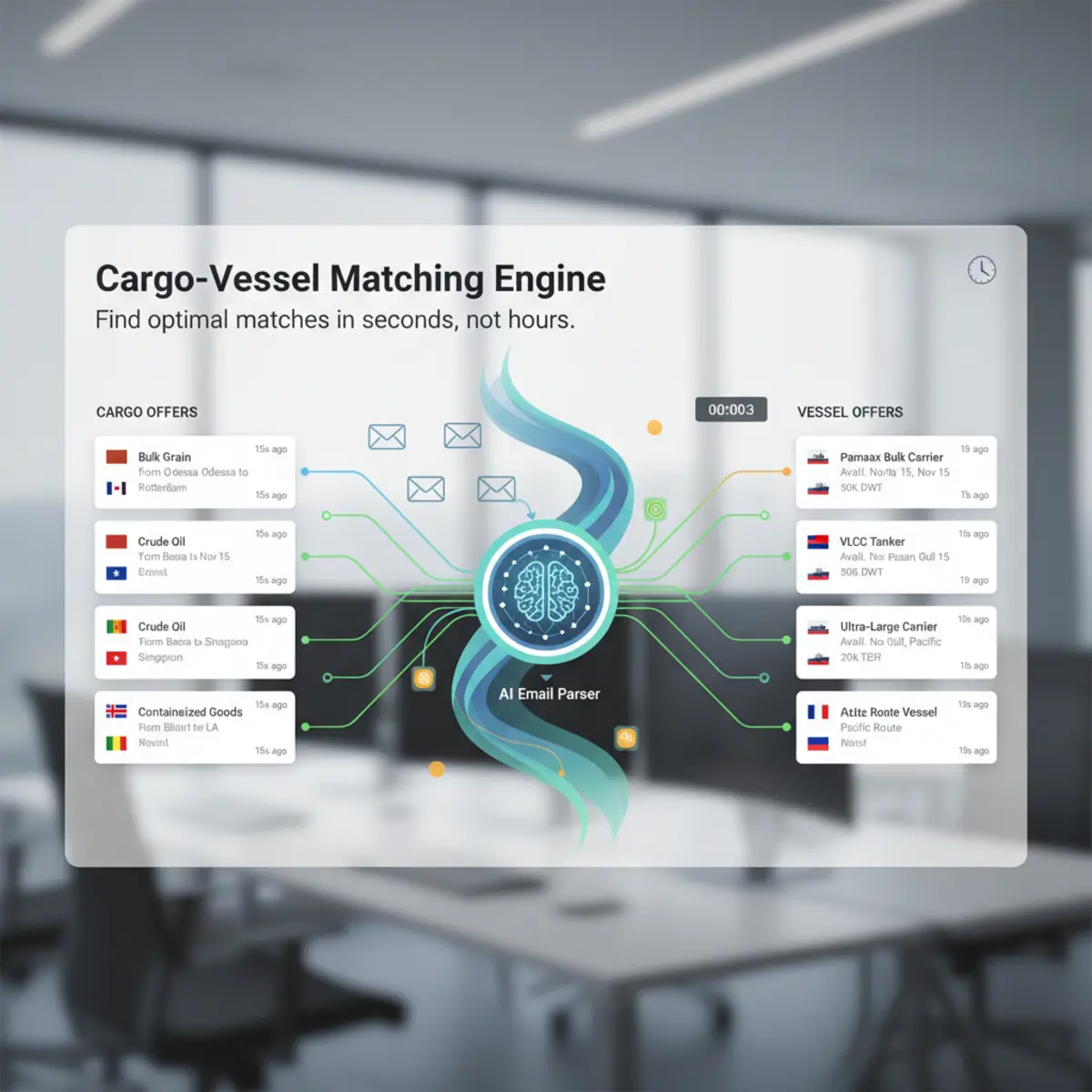
The database is the reviewed input to matching. Select an existing offer, create a saved cargo requirement or vessel position, then search for the opposite entity. Match results stay connected to the same source and confidence context used in the offer list.
Build a shortlist without losing the source
A useful offer database must help a broker move from a broad result set to a defensible shortlist. Filter by cargo or vessel type, ports and zones, laycan dates, quantity or DWT, broker, mailbox, received date and confidence. Open the source email when a value looks unusual, correct the structured record when needed and keep the reviewed state visible to the team. Export only the filtered rows required for the next step.
This workflow keeps search fast while preserving the context needed before calling a broker or moving data into another system.
Freshness, duplicates and retention
Email offers lose commercial value quickly, so received time and laycan state should remain visible. Duplicate detection prevents repeated circulars from dominating results, but possible duplicates should remain reviewable rather than disappearing without explanation. Retention depends on the selected plan and operational policy. Before rollout, confirm how long source content is available, who can edit records, what is included in exports and how deleted or expired records are treated.
Separate imported email counts from usable offers
An imported message is not automatically an offer. Classification may mark it irrelevant, duplicate, failed or in need of review, and one relevant email may create several records. Dashboard and import counters should therefore distinguish messages found, checked, imported and processed from cargo and vessel offers actually created. This distinction explains why a mailbox import can complete while the offer table contains fewer rows.
Example cargo record in the database
A reviewed cargo row might show wheat, 42,000 mt, Constanta to Alexandria, 20-25 July, broker company, received time and an 88% extraction confidence. Opening it should reveal the exact email subject and body or retained fragment that supports those values. If the original says “abt 42k” or leaves the year ambiguous, that source wording remains visible. The database record organizes the opportunity; it does not convert an indicative circular into a confirmed cargo order.
Example vessel position in the database
A vessel row might show MV NORTH STAR, 47,000 DWT, open Varna 18 July and direction Mediterranean. Search can combine DWT, open date, port or zone, broker and recency. Missing vessel type or preferred cargo remains empty until it is found in source or entered by an authorized user. The record should be distinguishable from a saved position created by the user, because an imported market offer and the user’s own requirement have different operational meanings.
Filtering scenarios used by a working broker desk
- 01
Morning tonnage review
Show vessel offers received in the last 24 hours, hide expired dates and sort by open date. Cargo shortlist :: Filter wheat cargoes loading Black Sea within a selected laycan and quantity band. Counterparty review :: Limit results to one broker or company and inspect related offers. Data-quality queue :: Show low-confidence or unreviewed records and open source emails before use. Export handoff :: Apply the final filters, select only relevant rows and export the same ordered result set to CSV or XLSX.
Source-email review before contact
Before calling or replying, open the source and verify the values that drive the shortlist: quantity or DWT, exact ports, date wording, direction and remarks. Check whether the email is a fresh circular, a forwarded historical message or part of a thread containing a later correction. If the structured value is wrong, edit it and retain the change history. If the offer is no longer useful, its status and dates should explain why it is excluded rather than requiring deletion from the market record.