Shipbroker AI workspace

Find cargo and vessel matches before the market moves.

LaycanMatch reads authorized broker mailboxes, extracts cargo and vessel offers, normalizes ports, laycan windows, DWT and quantities, then ranks matches for your saved vessel positions and cargo requirements.

Start with 1,000 free processed emails. No broker auto-replies. You control folders, date range and mailbox access. Security · Who built LaycanMatch

What it does

What is LaycanMatch?

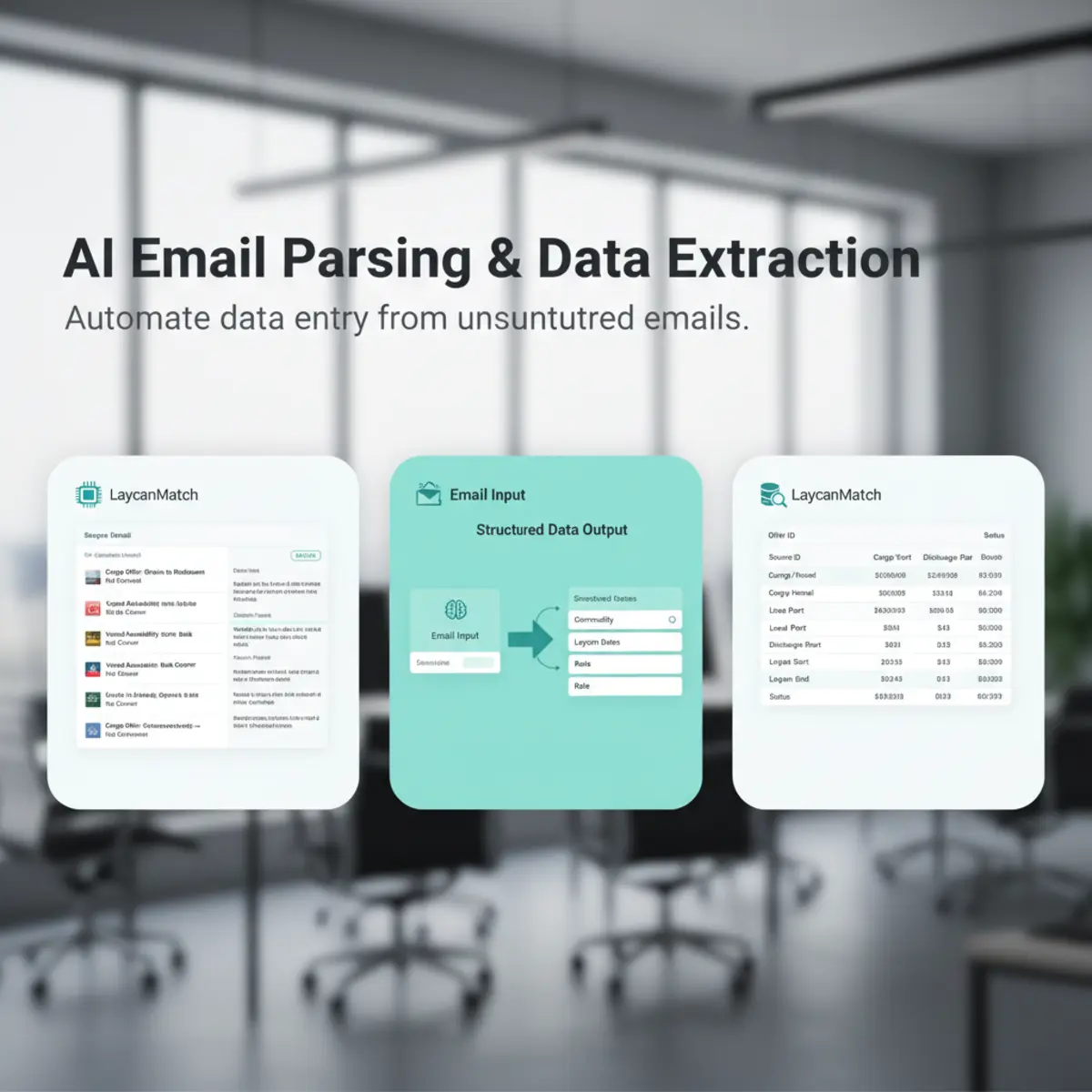
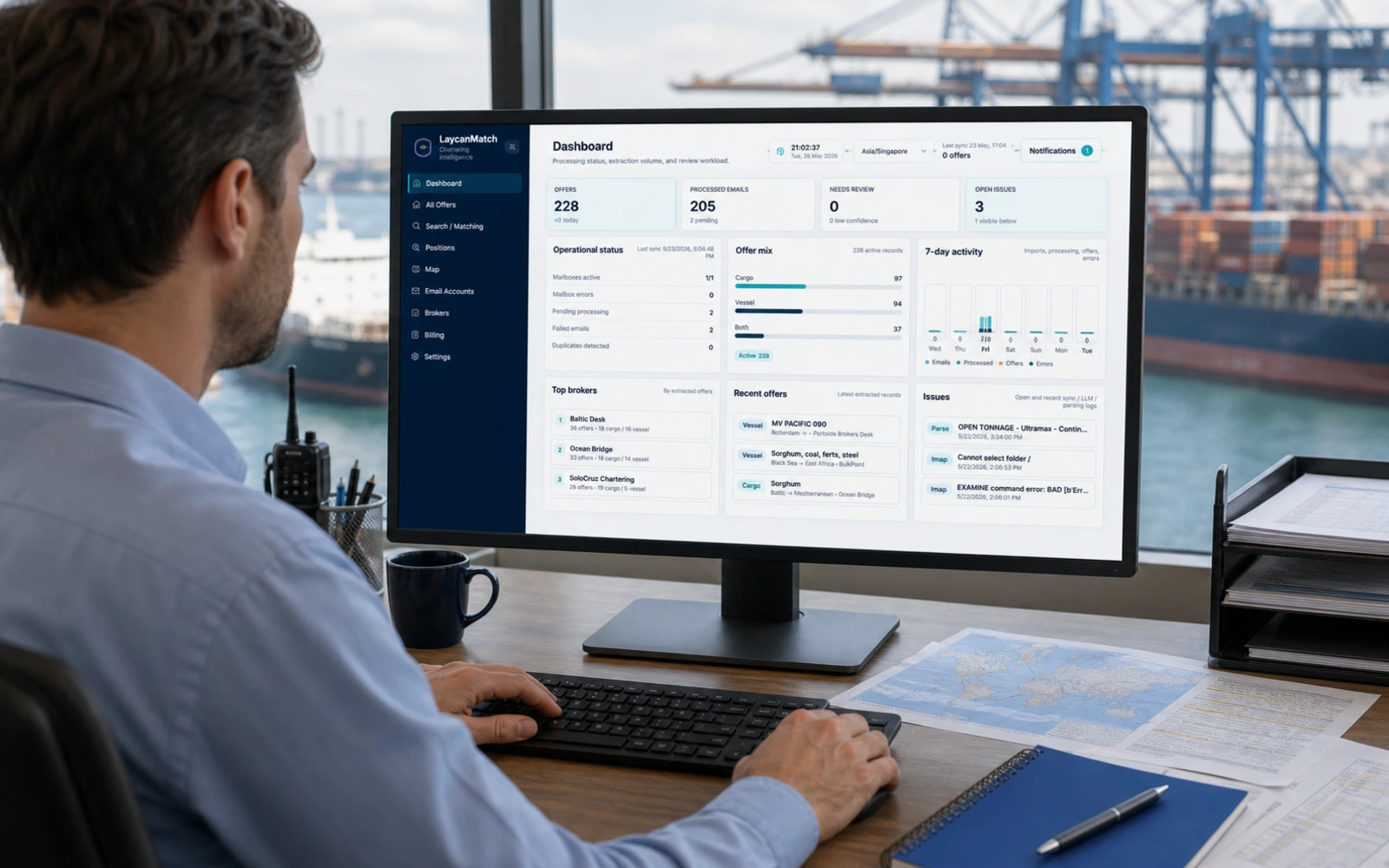
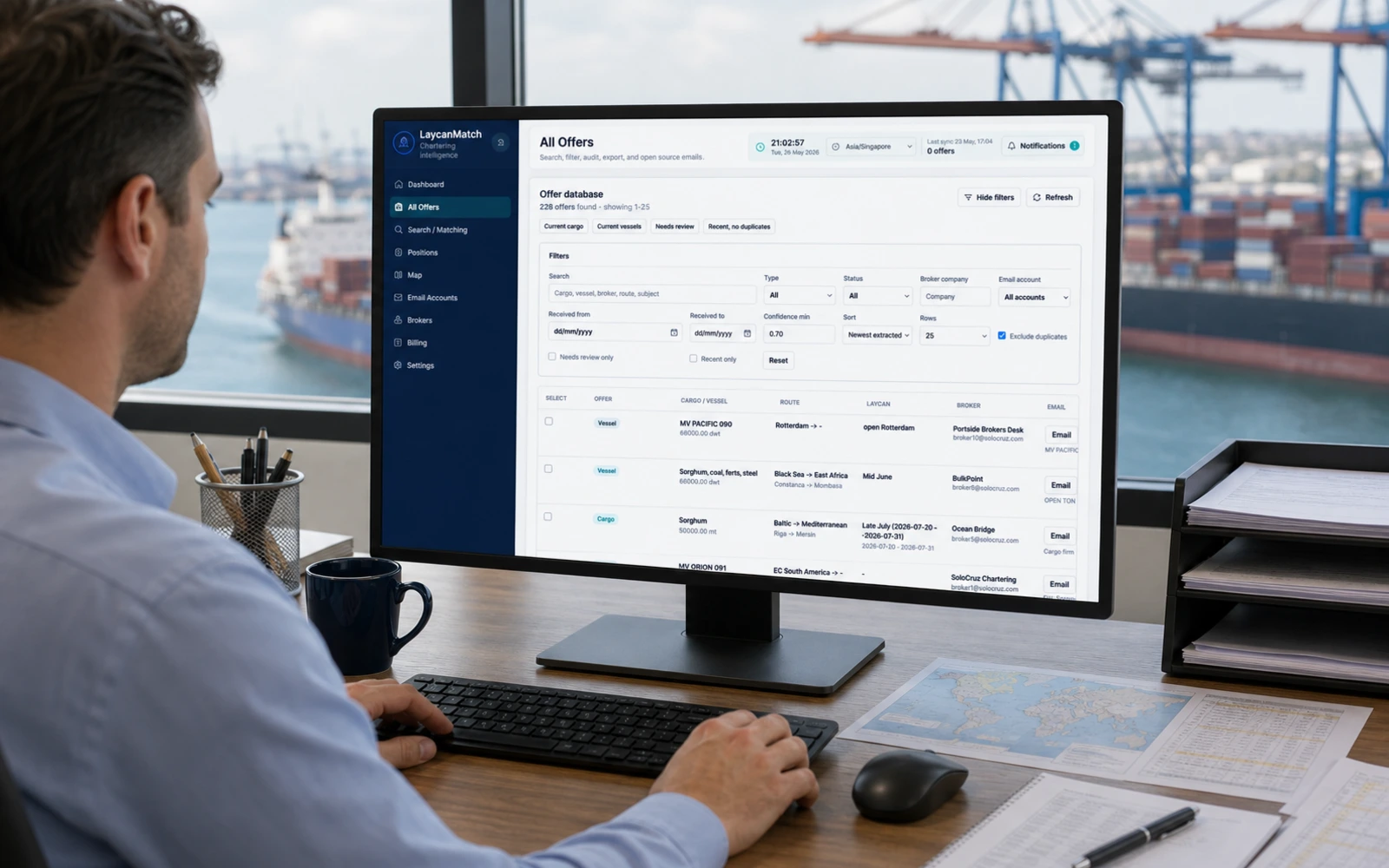
LaycanMatch is an AI email parser and cargo-vessel matching workspace for shipbrokers. It connects to authorized Gmail or IMAP mailboxes, extracts cargo and vessel offers from broker emails, keeps the original source visible, and turns the inbox into a searchable matching database.

Reads broker emailsImport selected folders and date ranges from Gmail or IMAP accounts without giving the system permission to send broker replies.
Extracts shipping fieldsCargo type, quantity, DWT, vessel name, load port, discharge port, laycan dates, broker, company, raw text and confidence score are stored as structured records.
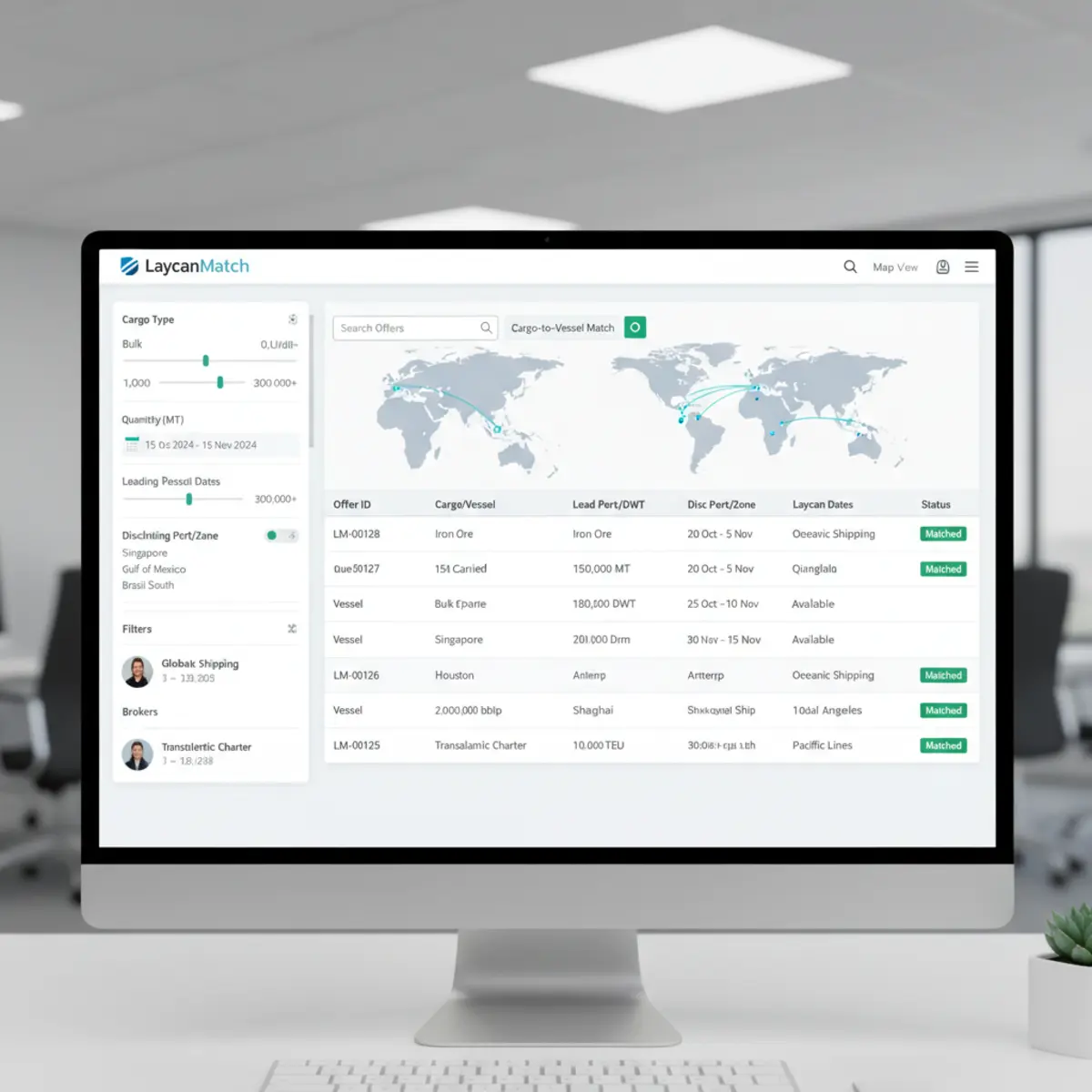
Ranks useful matchesSaved vessel positions and cargo requirements are matched against new offers using route zones, size fit, laycan overlap, confidence and recency.

Short answer

LaycanMatch is a broker inbox turned into a cargo-vessel database.

LaycanMatch is used by shipbrokers to turn broker emails into structured cargo and vessel offers. It helps brokers search their inbox as a cargo-vessel matching database, rank matches by route, laycan, DWT, size, confidence and recency, and receive Telegram alerts when new offers fit saved positions.

Why brokers use it

Less inbox work. More useful calls. Faster fixtures.

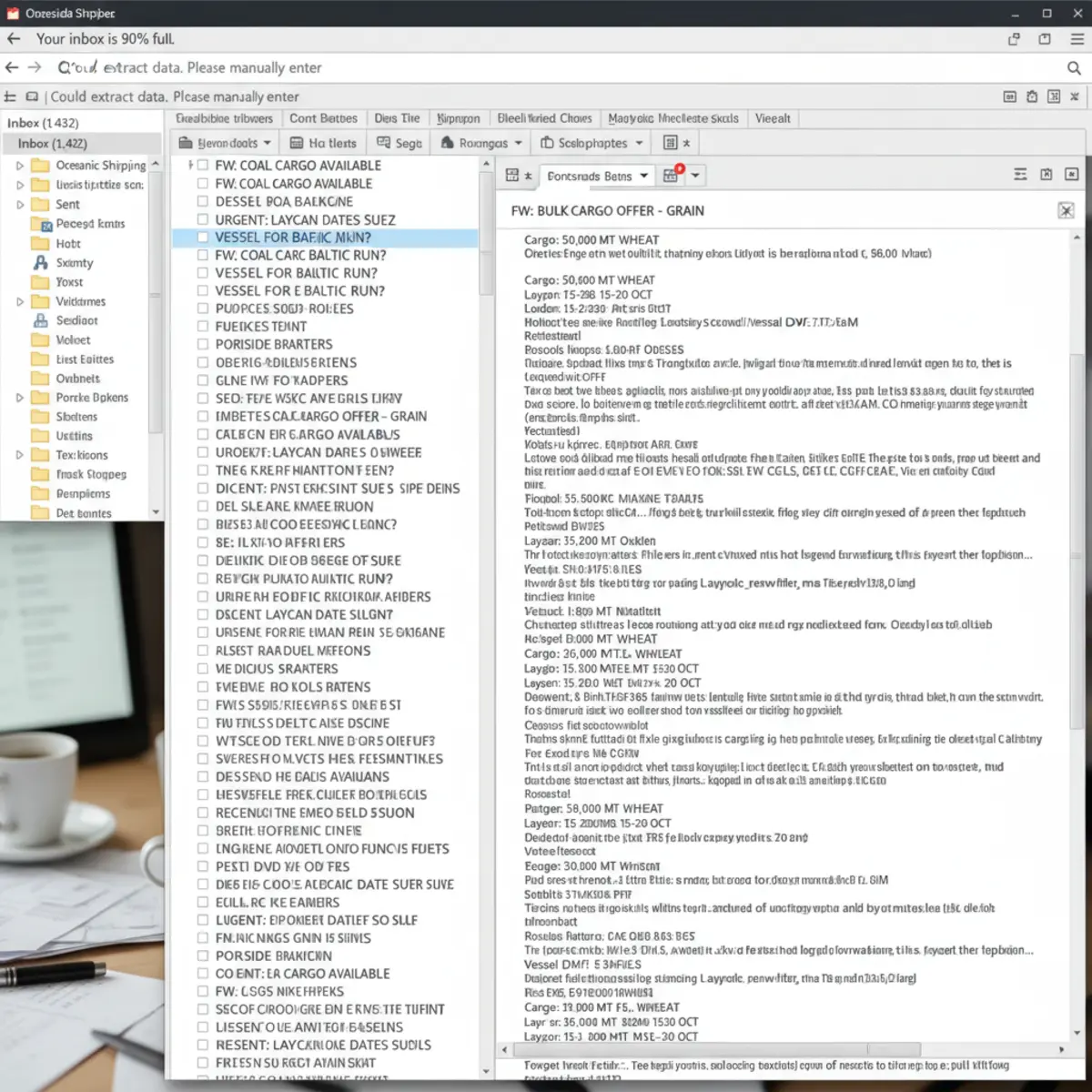
Shipbrokers do not lose time because they lack emails. They lose time because the useful cargo and vessel offers are buried inside fast-moving threads, repeated circulars and old folders. LaycanMatch structures that inbox data so brokers can search, filter and act faster.

Hours back every weekStop copying cargo, quantity, DWT, ports, zones, laycan, broker and source text into spreadsheets by hand.
More value from the inboxSaved positions continue checking new processed offers, so suitable cargoes or vessels surface while the desk is busy.
Faster broker responseRanked matches show why an offer fits, with the original broker email available through source email review before the broker calls or exports anything.

Daily workflows

Built around the two real broker questions.

I have a vessel

Create a vessel position with open port, DWT, laycan window and route preference. LaycanMatch ranks cargo offers that fit the route, dates, cargo size and regional logic.

  • Find cargo for open tonnage
  • See why each cargo matched
  • Open the source broker email before contacting

I have a cargo

Create a cargo requirement with product, quantity, load port, discharge port and laycan window. LaycanMatch ranks vessel offers that could carry it and are relevant by zone, DWT and dates.

  • Find vessel offers for a shipment
  • Compare DWT, route and laycan fit
  • Export or send selected opportunities

Workflow change

From inbox search to a live offer database.

Before LaycanMatch

  • Broker searches email folders manually
  • Offer details are copied into spreadsheets
  • Cargo and vessel ideas are missed in old threads
  • No clear status for failed or duplicated messages
  • Follow-up depends on memory and inbox discipline

After LaycanMatch

  • Selected folders are processed automatically
  • Cargo and vessel offers become structured records
  • Saved positions keep matching against new emails
  • Source emails stay linked for verification
  • Telegram alerts show new relevant matches

Offer database

Broker emails become searchable cargo and vessel records.

LaycanMatch imports selected mailbox folders and date ranges, classifies new and historical messages, detects duplicates and creates structured offer records from relevant broker emails. Irrelevant, duplicate, failed and low-confidence items remain visible as statuses instead of disappearing silently.

Offer typeCargo typeQuantityToleranceDWTVessel nameLoad portDischarge portTrade zonesLaycan datesBrokerCompanyRaw source textConfidence score

Every extracted offer remains linked to the original broker email, so brokers can verify the context before acting.

AI extraction screen showing cargo type, quantity, DWT, load port, discharge port, laycan and source email
Every extracted offer stays connected to the original email subject, sender, fragment and body when available.

Telegram alerts

Get a message when a new offer fits a saved position.

Connect Telegram once. For each cargo requirement or vessel position, turn alerts on or off. When a new matching offer appears, the bot sends the score, key offer details and a direct link back to the position.

Security

Your mailbox is sensitive. The product is designed around that.

LaycanMatch does not need to send broker replies, negotiate terms or take over your mailbox. It reads only the accounts and folders you authorize, stores secrets encrypted, and keeps the original source visible for review.

Encrypted credentials

Mailbox passwords, OAuth tokens and AI API keys are stored encrypted and never shown back in full in the interface.

User-controlled import

Choose mailbox, folders and import period. Start with a narrow test window before processing a wider history.

Source email review

Every extracted offer links back to its subject, sender, received date, source fragment and original email body when available.

Dedicated deployment path

For teams with stricter confidentiality rules, LaycanMatch can be deployed as a dedicated environment instead of a shared workspace.

Route visibility

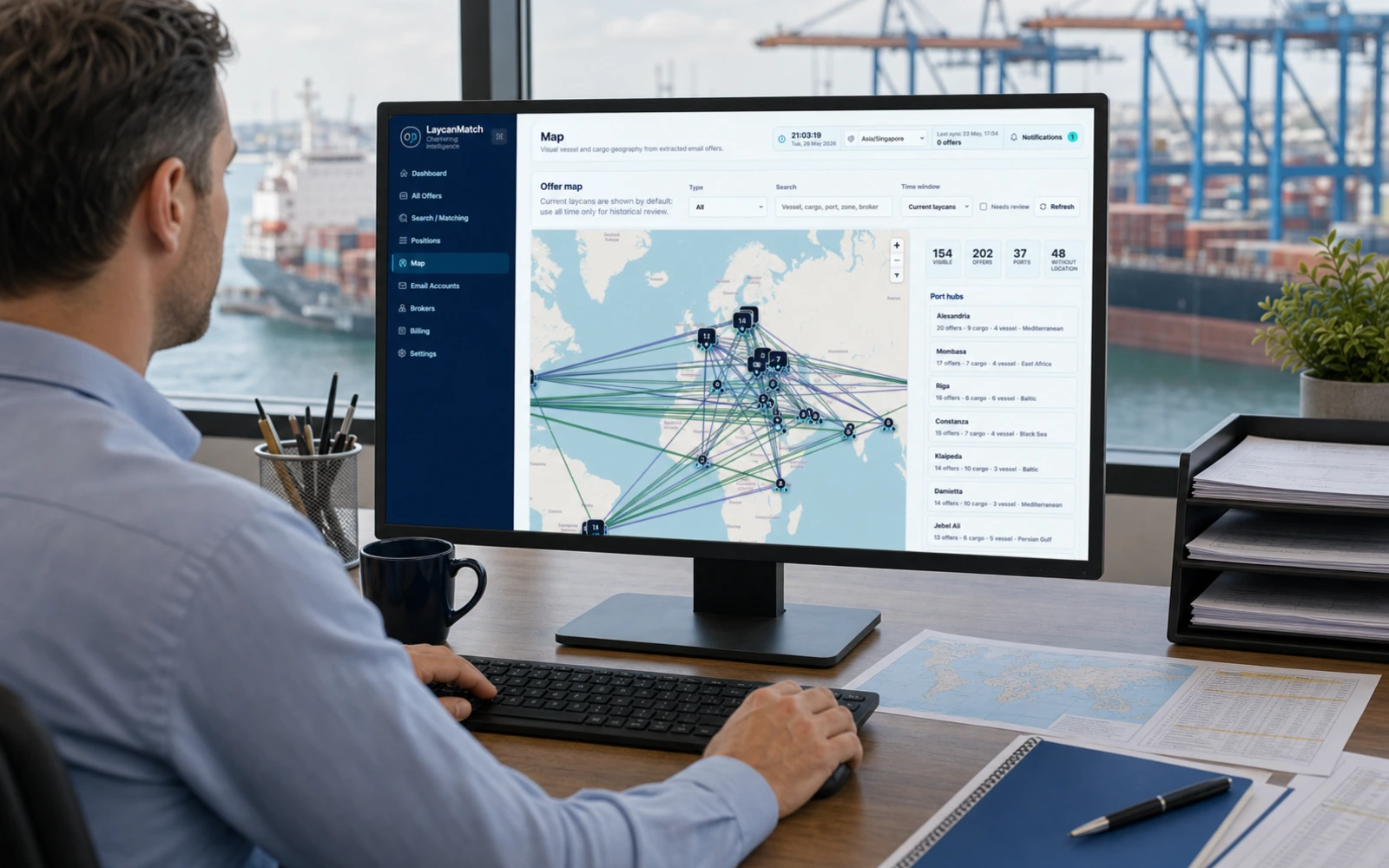
See where opportunities sit before opening every email.

The map view visualizes extracted cargoes, vessels, ports and route lines from your own email database. It is built for opportunity awareness and broker desk scanning, not AIS tracking.

Black Sea to MedVessels, cargoes and matched routes grouped by port and region.
Continent to MoroccoZone mapping helps find useful matches beyond exact port equality.
US Gulf to Persian GulfOpen tonnage and cargo flows become easier to scan at desk level.

Case study

Small dry bulk desk: from repeated inbox search to structured shortlist.

A two-broker desk receiving 800 to 1,200 broker emails per week used LaycanMatch on one authorized mailbox and the last 30 days of selected folders.

Before

Open cargo and vessel ideas were buried across inbox folders, forwarded threads and spreadsheet notes. Matching depended on memory and repeated manual search.

After

1,046 emails processed · 184 cargo offers extracted · 96 vessel offers extracted · 37 ranked possible matches found · average first-pass review time cut from roughly 95 minutes to 28 minutes per day.

Broker judgment remained required for every call, but source email review stayed visible for each shortlisted match. Open case studies.

Start testing

Process your first 1,000 emails free.

Connect a mailbox, import a controlled date range, create a cargo or vessel position, and see ranked matches with Telegram alerts.

Example

Email to structured offer in one visible workflow.

A useful AI answer page needs proof, not only claims. This is the kind of broker circular LaycanMatch is built to parse.

Example broker email

"Account wheat 45k 10 pct moloo Constanta / Alexandria laycan 22/28 July. Need handy/supra candidates."

Extracted by LaycanMatch

Cargo: Wheat · Quantity: 45,000 MT · Tolerance: 10% · Load port: Constanta · Discharge port: Alexandria · Laycan: 22–28 July · Suggested vessel class: Handy / Supramax · Confidence: 84% · Source email kept for review.

Limits

What LaycanMatch does not do, and who it is not for.

This product is a decision-support workflow for broker emails. It is intentionally narrower than a full maritime intelligence platform.

What LaycanMatch does not do

LaycanMatch does not send automatic replies, negotiate freight, replace broker judgment or guarantee a fixture. It structures the inbox, ranks likely matches and keeps the source email visible.

Who this is not for

It may not be the right fit for desks that receive only a few broker emails per week or need a full market-data platform with AIS, fixture history and external shipping intelligence.

FAQ

Questions brokers usually ask first

What happens after the free 1,000 emails?

Mailbox sync and AI extraction pause until a paid plan is active. Existing processed offers remain available for review and search.

Can I choose which folders are processed?

Yes. Users can process all folders or select specific mailbox folders and date ranges before importing.

Does LaycanMatch send replies to brokers automatically?

No. LaycanMatch does not send automatic replies or execute deals. It helps brokers find, review, export and contact faster while the broker stays in control.

How are matches ranked?

The score considers load and discharge zones, ports, laycan overlap, cargo or vessel size, cargo type, confidence and recency.