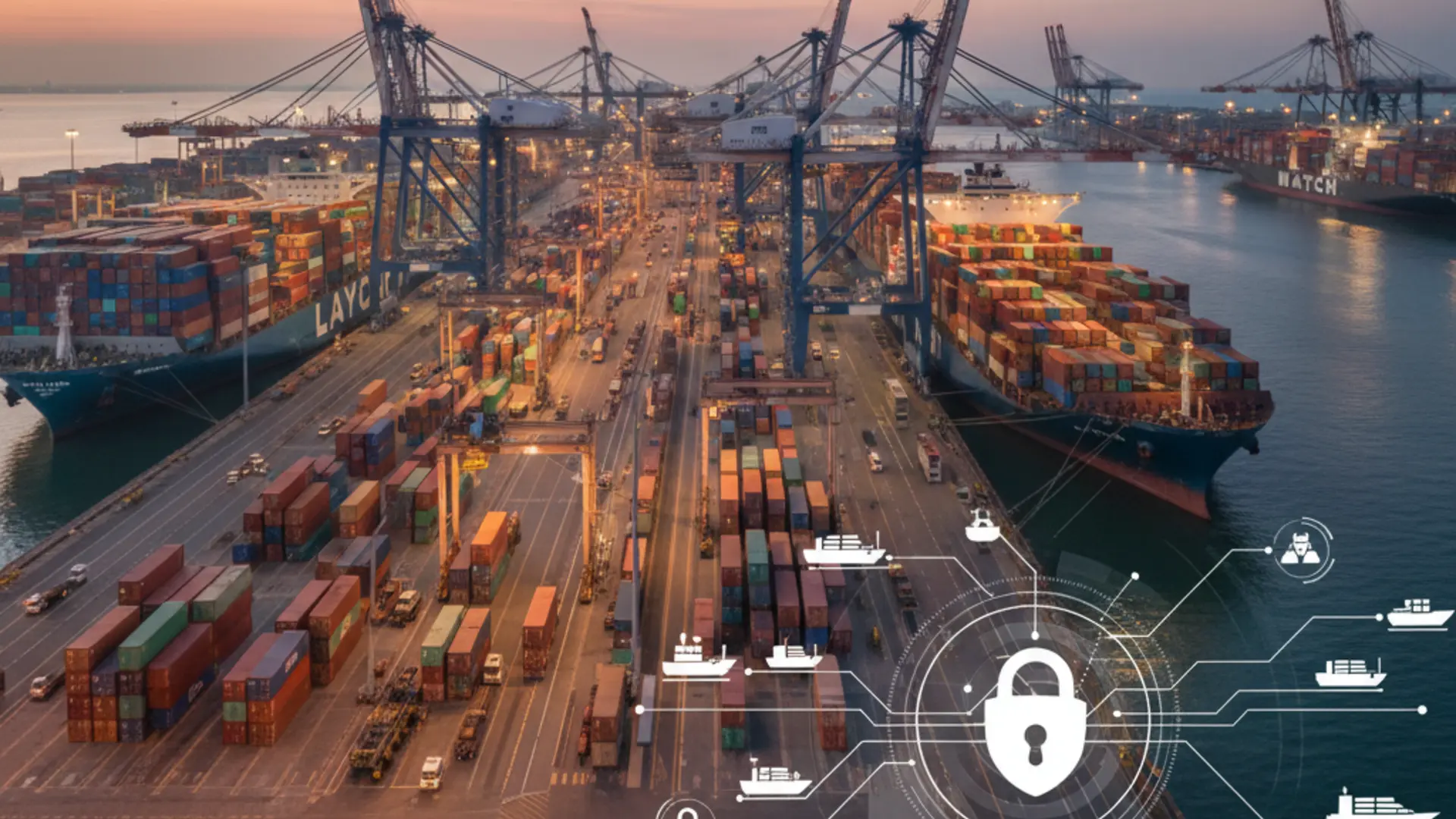
Short answer: It can be safe to connect a broker mailbox to an AI email parser if access is authorized, folder scope is controlled, secrets are encrypted, the source email remains reviewable and the system does not send automatic replies. LaycanMatch is built around those constraints because broker mailboxes are sensitive commercial infrastructure.
What LaycanMatch can access and what it cannot do
LaycanMatch can access only the mailbox credentials or OAuth scope the user authorizes. The desk chooses which folders and date ranges are processed. The system reads broker emails to classify, extract and match offers. It does not negotiate, send broker replies or take unilateral commercial action.
Data storage, retention and deletion overview
| Data type | Stored | Retained for | Deleted / limited by |
|---|---|---|---|
| Mailbox credentials / OAuth tokens | Yes, encrypted | As long as connection is active | Removed when mailbox is disconnected |
| Imported email metadata | Yes | Operational review and audit | Workspace retention policy |
| Original email body / fragment | Yes, when available | Source review and evidence | Workspace retention policy |
| Extracted cargo / vessel offers | Yes | Search, matching and export | Deletion or retention settings |
| API keys | Yes, encrypted | While configured | Removed when replaced or cleared |
Hosted, dedicated and on-premises options
Some broker desks are comfortable with a hosted shared service. Others need a dedicated environment or an on-premises path because mailbox sensitivity and data segregation are part of procurement. LaycanMatch is positioned to support that conversation instead of hiding it.
What LaycanMatch does not do
LaycanMatch does not use mailbox access to send automatic replies, negotiate freight, replace broker judgment or act as a black-box decision-maker. The point is to structure the inbox, not to impersonate the desk.