Parse dry bulk cargo orders
Dry bulk circulars often compress commodity, quantity, tolerance, load and discharge ports, laycan, terms and broker context into a few lines. LaycanMatch separates distinct offers and creates reviewable records from the fields present in the message. It does not claim complete normalization for every commodity, abbreviation or chartering form.
Track open vessel positions and tonnage
Vessel messages can become positions with vessel name or type, DWT, open port or region, open date, direction and remarks when supplied. These records form a searchable open tonnage view linked to the sender and source email. The map visualizes ports, offer routes and approximate regional context derived from processed emails; it is not live AIS tracking or a voyage-routing system.
Match cargo and vessels with operational context
The match workflow compares supported cargo and vessel data such as commodity context, quantity and DWT, loading and discharge locations or zones, laycan and open dates, confidence and recency. Results are ranked so a broker can inspect likely candidates first, then apply commercial knowledge and obtain missing details.
Handle updates from broker circulars
The same offer may appear in several folders, be forwarded again or remain quoted in a thread. Email identity and normalized body data support message deduplication; similar structured fields support possible-offer duplicate review. Received time, processed time and source context help users distinguish a fresh update from repeated text.
Example dry bulk workflow
Sample data. Cargo: 50,000 mt grain, load Santos, discharge Rotterdam, laycan 10-15 September 2026. Candidate A: fictional Supramax, 56,000 DWT, open Recalada 7 September; timing and regional context make it worth review. Candidate B: fictional Ultramax, 63,000 DWT, open Tubarao 16 September; the open date conflicts with cargo laycan. Candidate C: fictional Handysize, 38,000 DWT, open Santos 9 September; proximity is useful but capacity conflicts with the stated quantity.
These examples explain review logic and are not real market offers.
Where LaycanMatch fits
| Stage | Input | Output | System boundary |
|---|---|---|---|
| Offer intake | Dry bulk broker email or circular | Cargo order or vessel position | LaycanMatch supported workflow |
| Market organization | Reviewed offers and source context | Searchable cargo and open tonnage lists | LaycanMatch supported workflow |
| Matching | Structured cargo and vessel records | Ranked shortlist | LaycanMatch supported workflow |
| Voyage estimation | Distance, speed, consumption, bunkers, port and canal costs | Voyage result, TCE and scenarios | Dedicated estimator or existing workflow |
| Fixture management | Negotiated terms, subjects, approvals and documents | Recap and fixture record | Dedicated fixture workflow |
A pre-fixture tool, not an automatic fixture desk
LaycanMatch structures incoming opportunities and helps users find possible pairs earlier. It does not calculate freight, TCE, bunker consumption, canal costs or port costs; it does not manage subjects, approvals or charter-party documents; and it does not replace a broker’s professional judgment. The useful handoff is a reviewed cargo-vessel shortlist with source context.
A controlled rollout for a dry-bulk desk
Begin with one mailbox, selected folders and a short date range. Review cargo types, quantities, ports, zones, laycans, vessel names and DWT against the source emails. Measure how many records require correction, how duplicates are handled and whether brokers can find known opportunities faster than in the inbox. Only then widen history or add mailboxes. This phased approach gives the desk evidence about extraction quality, processing volume and operational fit before a larger commitment.
During the pilot, include clean circulars, abbreviated positions, forwarded updates and messages with missing dates or ports. This reveals whether the resulting records remain reviewable and whether the shortlist saves time when real dry-bulk traffic is incomplete.
Where human chartering judgment remains essential
LaycanMatch does not negotiate freight, approve counterparties, calculate voyage economics, interpret charter-party risk or conclude fixtures. A ranked cargo-vessel pair may still fail because of vessel particulars, restrictions, cargo specification, owner or charterer preference, sanctions, credit, freight expectations or information that was never present in the email.
The product organizes and ranks the available email evidence so experienced users can spend less time searching and more time evaluating and communicating.
Example cargo and vessel flow
A broker may receive a 42,000 mt grain cargo from Constanta to Alexandria with a late-July laycan and, separately, a 47,000 DWT vessel position open in Constanta. The cargo record should retain commodity, quantity, ports and dates; the vessel record should retain name or type, DWT, open port and date. Matching can rank the pair because route, timing and size signals align, but the broker must still verify stowage, draft, vessel particulars, freight expectations and counterparty context.
Notifications should follow saved commercial intent
Telegram alerts are enabled per saved cargo requirement or vessel position. Enabling an alert should confirm exactly what the system will look for: vessels for a cargo requirement, or cargoes for a vessel position. It should not rerun an old search or send historical candidates as new. Subsequent alerts should contain a direct link to the new candidate list, while disabling the alert stops future notifications for that position.
Recommended next
 Shipbroker Email Parser for Cargo & Vessel Offers | LaycanMatchParse broker circulars and emails into structured cargo orders, vessel positions, laycan dates, ports, DWT and ETA without manual re-entry.
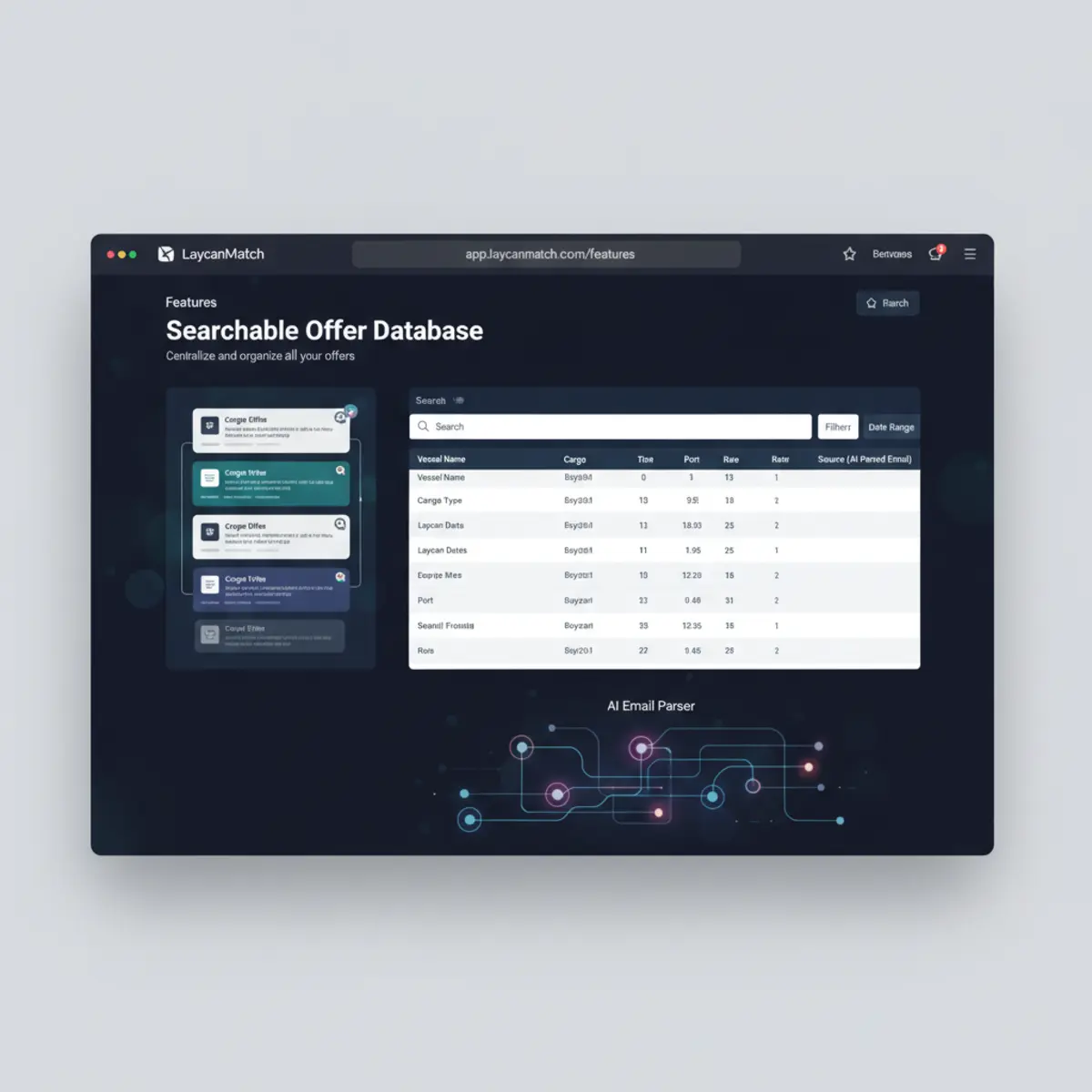 Cargo Orders & Vessel Position List Software | LaycanMatchTurn incoming broker emails into a searchable database of cargo orders and vessel positions. Filter open tonnage by laycan, ports, DWT and recency.
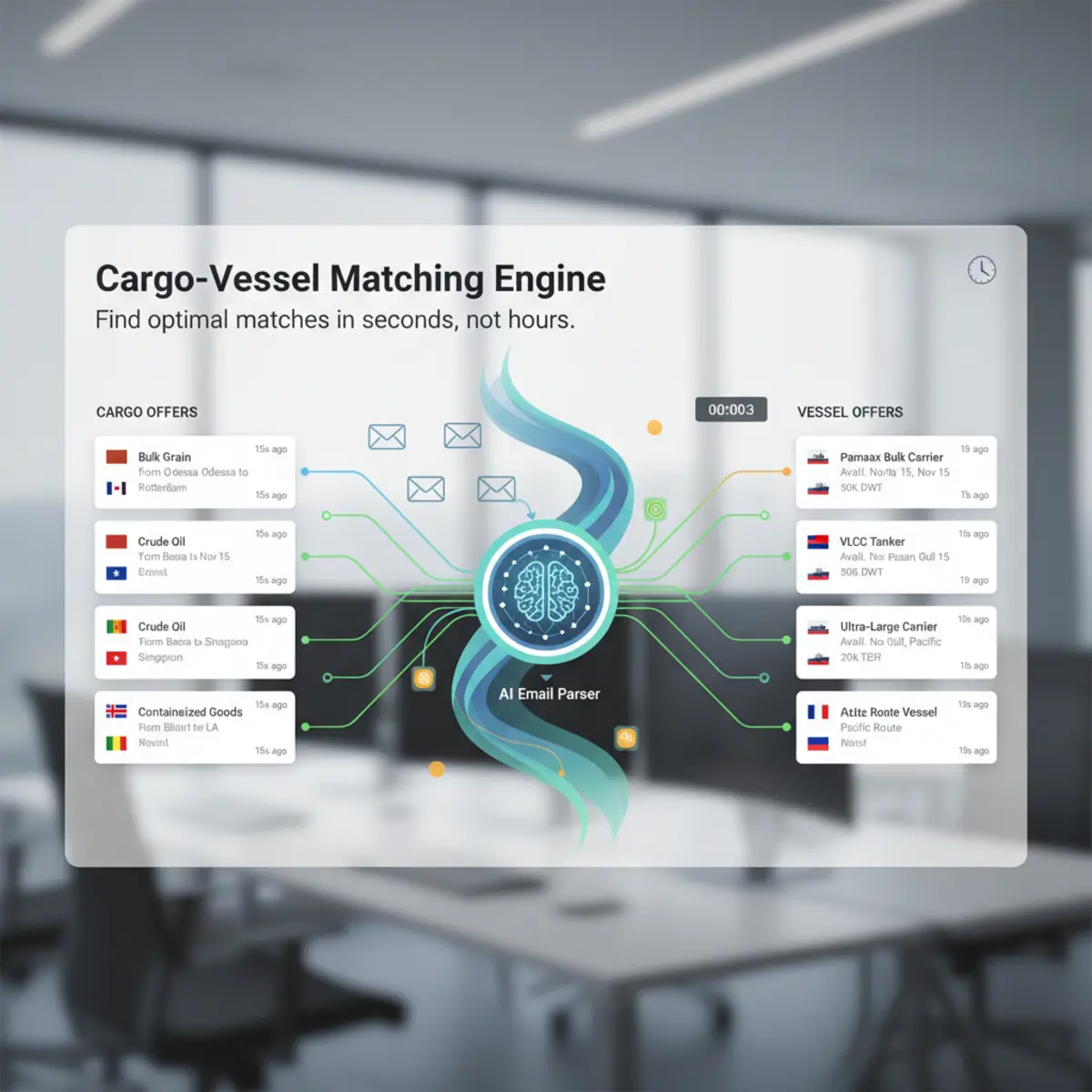 Cargo and Vessel Matching Software | LaycanMatchRank cargo and vessel matches by laycan overlap, route, DWT, confidence and recency. Review cargo-to-vessel and vessel-to-cargo opportunities.
 Voyage Estimation Software: Features, Inputs & WorkflowLearn which inputs, calculations and workflow controls matter in voyage estimation software, and how estimation connects with cargo and vessel matching.Fixture Management Software: Workflow & Evaluation GuideA practical guide to fixture workflow, recap control, approvals, document history and handoffs - plus where cargo and vessel matching fits before fixture.
FAQ
Questions
Is LaycanMatch specialized only for dry bulk?
No. This page explains how the general cargo and vessel email workflow applies to dry bulk records. It does not claim support for every commodity, vessel class or chartering calculation.
Does it calculate voyage economics?
No. LaycanMatch prepares structured cargo and vessel context and a shortlist. Voyage economics belong in a dedicated estimator or the team’s existing calculation workflow.
Can it parse several cargoes or vessels from one circular?
Yes. One relevant source email can create several separate offer records when the text contains distinct entities.
Does a high score mean the vessel is suitable?
It means the available structured signals produced a stronger shortlist. Suitability, restrictions, terms and availability still require broker review.
Can users retain the source circular?
Yes. Production offers remain linked to the source email and extracted fragment available in the user workspace.
Early access
Get updates
Leave your email and get updates from LaycanMatch.
Editorial review
LaycanMatch Editorial Team · Reviewed 2026-08-30
Latest change: Aligned with the verified LaycanMatch product, search intent and claim register.
Public content is released through the governed editorial workflow. Read the editorial policy.